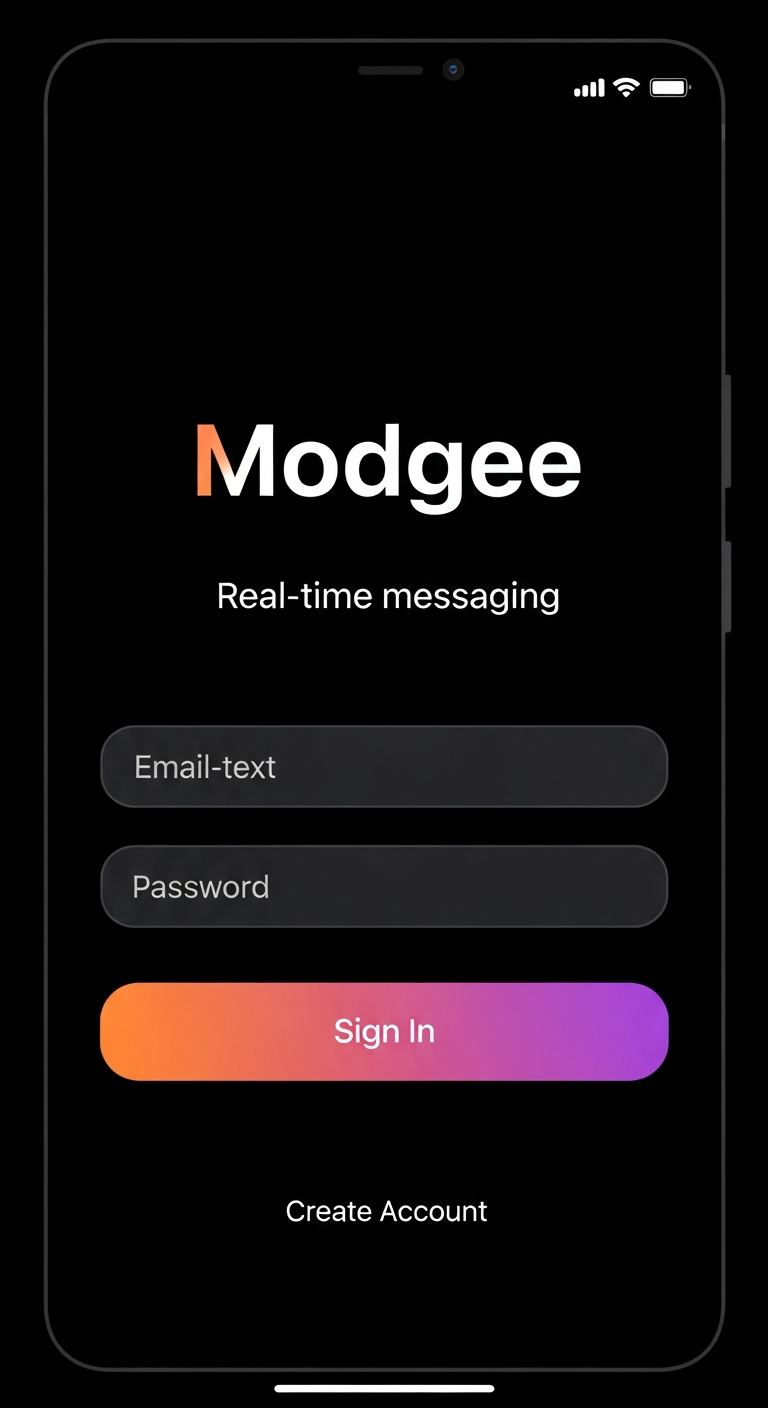
App Store Screenshots

Click on any image to download it, or use the Download All button above.

Screenshot questions

Where can I see product visuals?

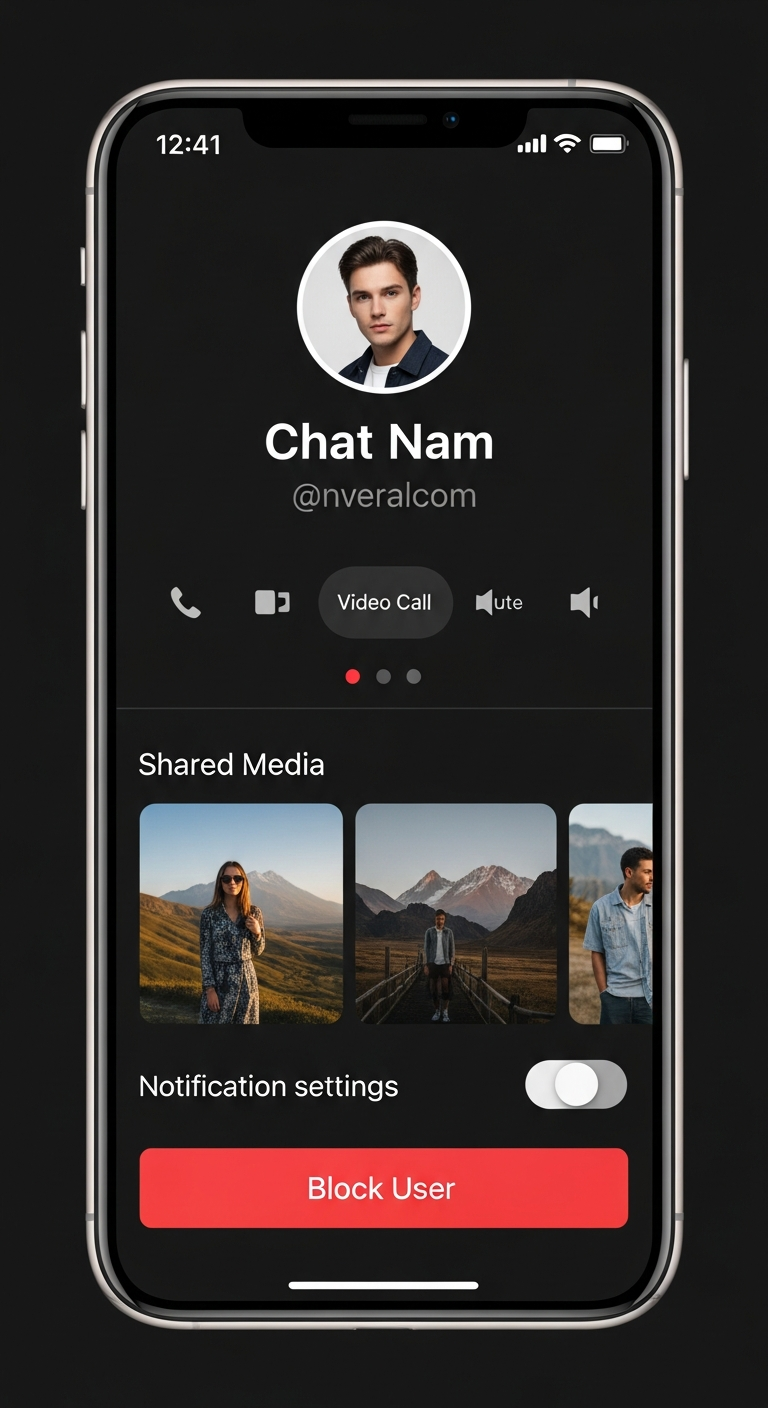
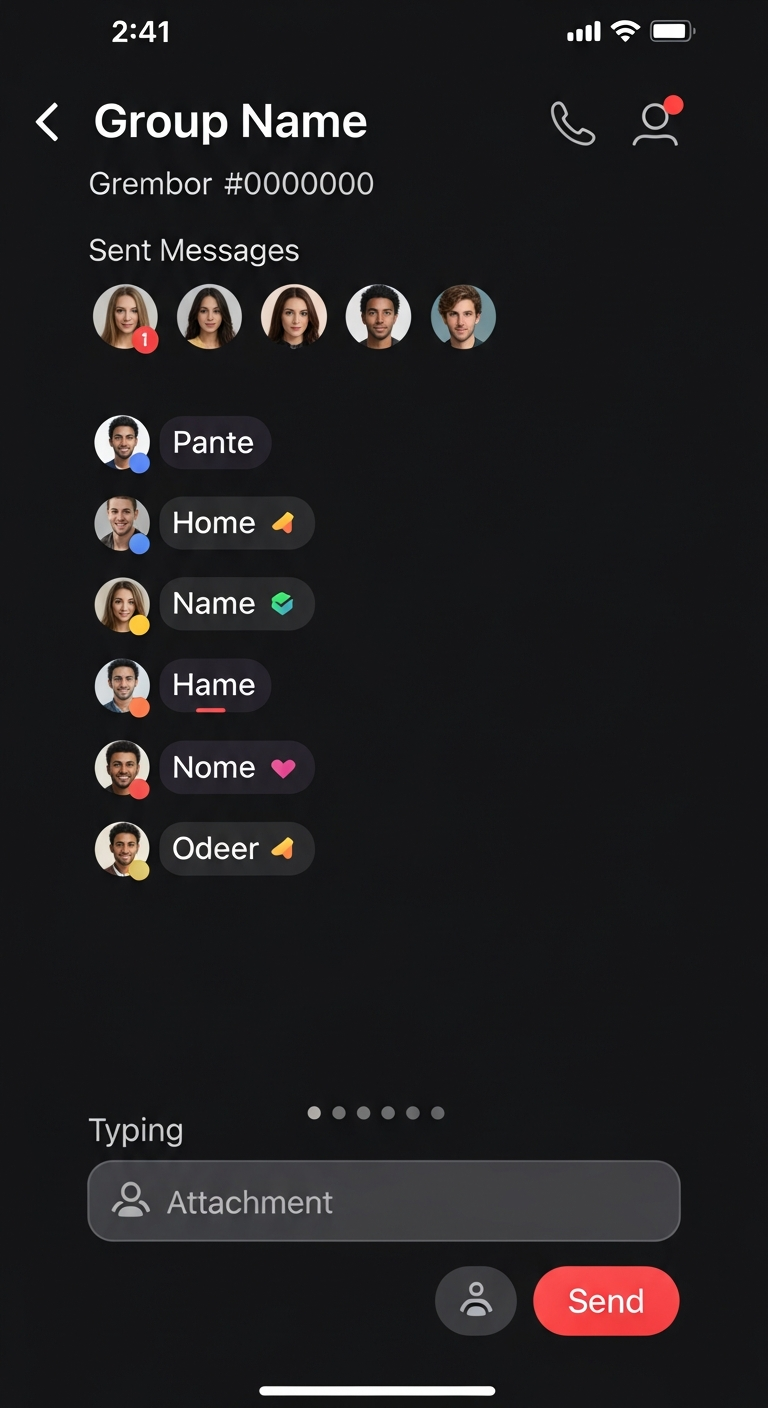
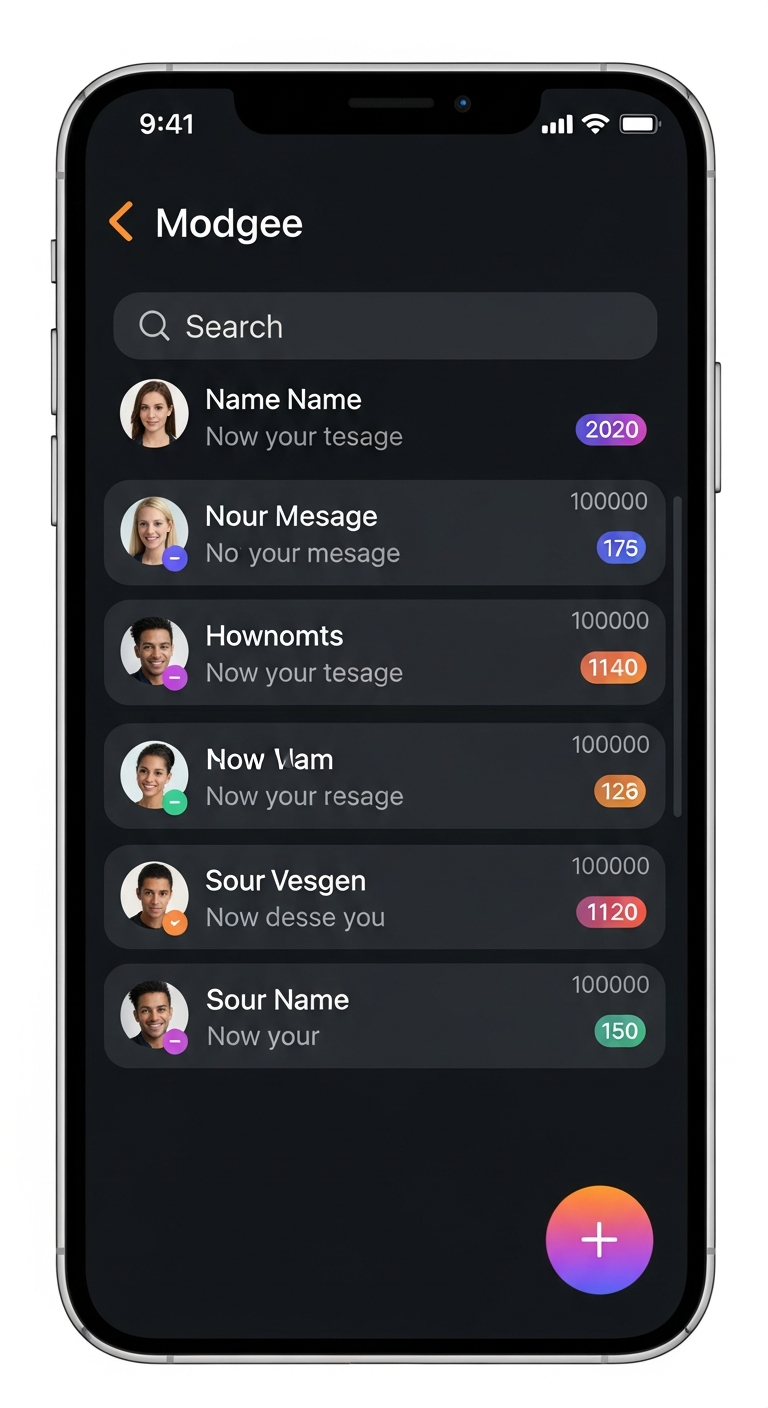
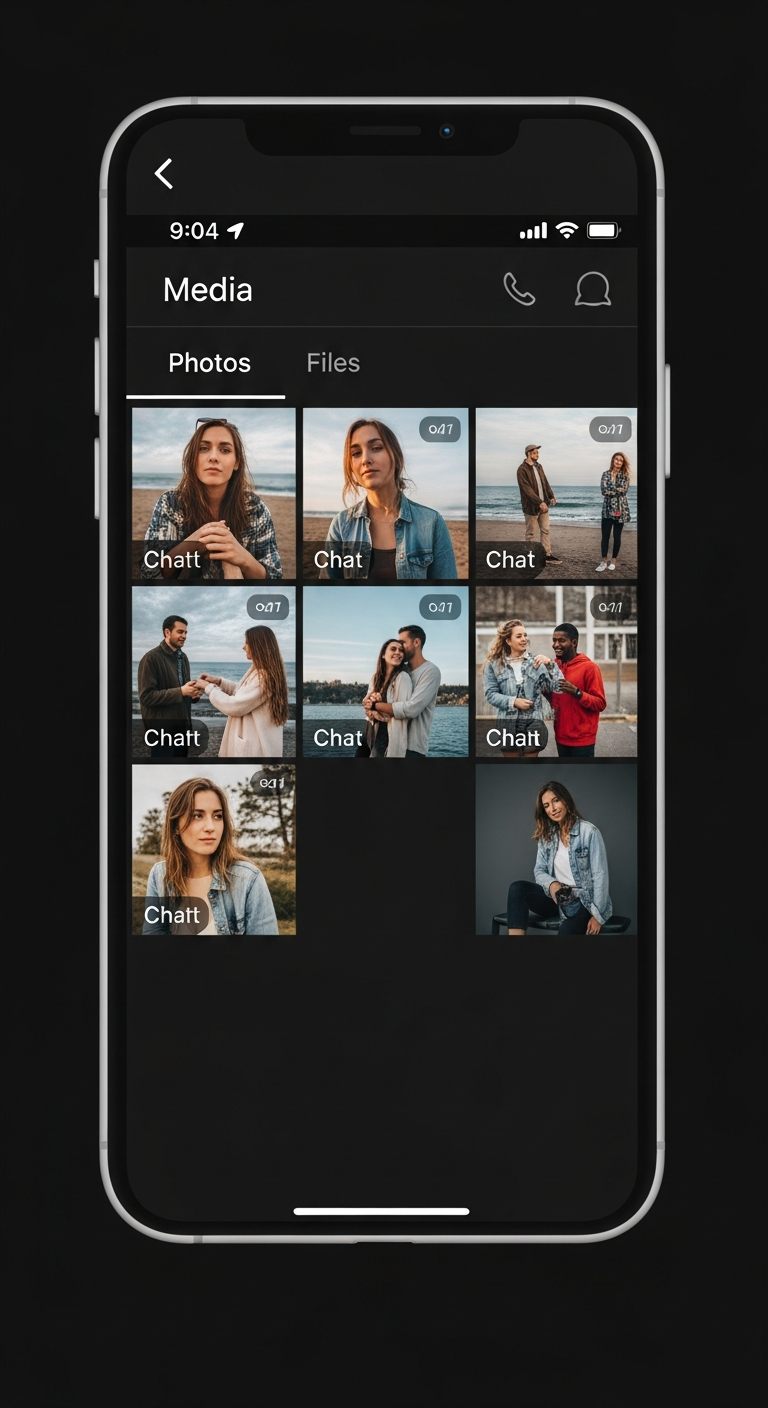
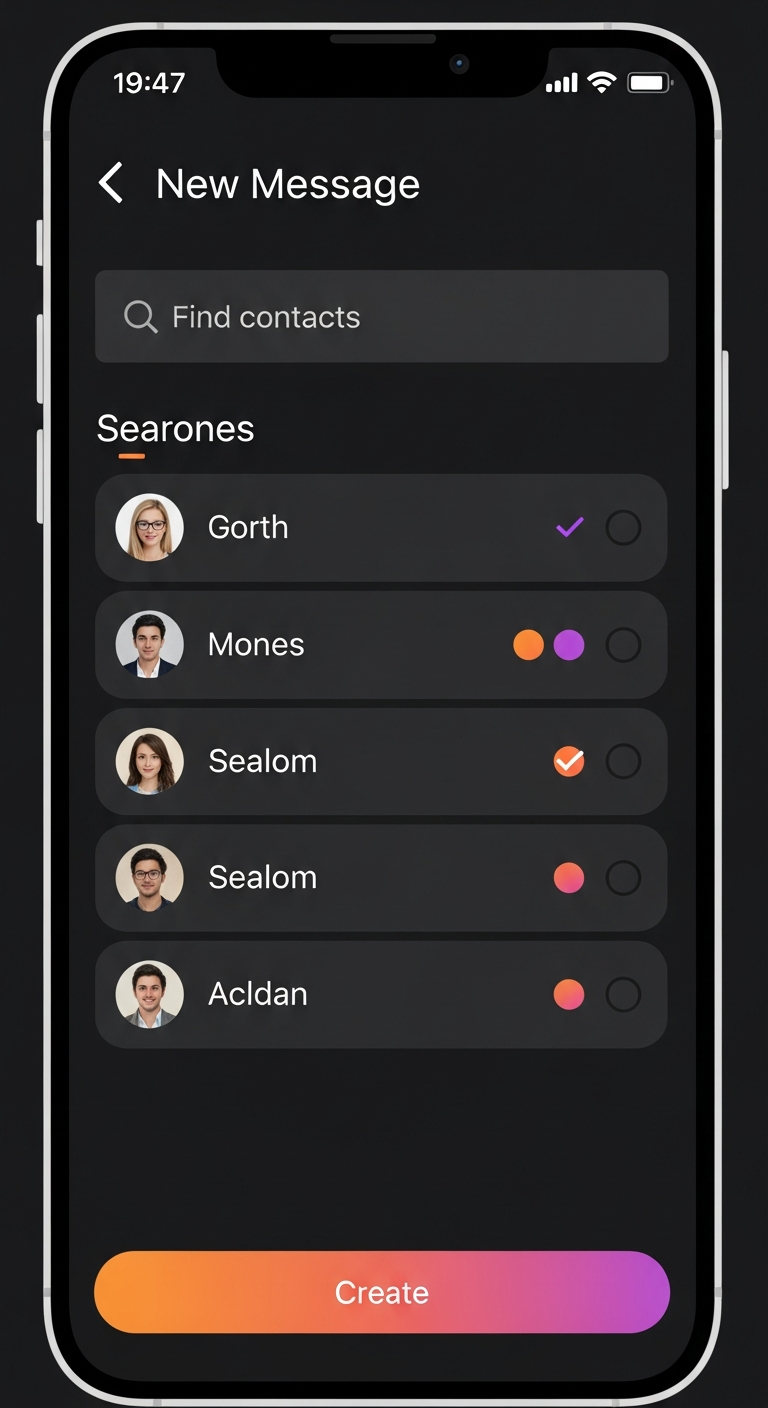
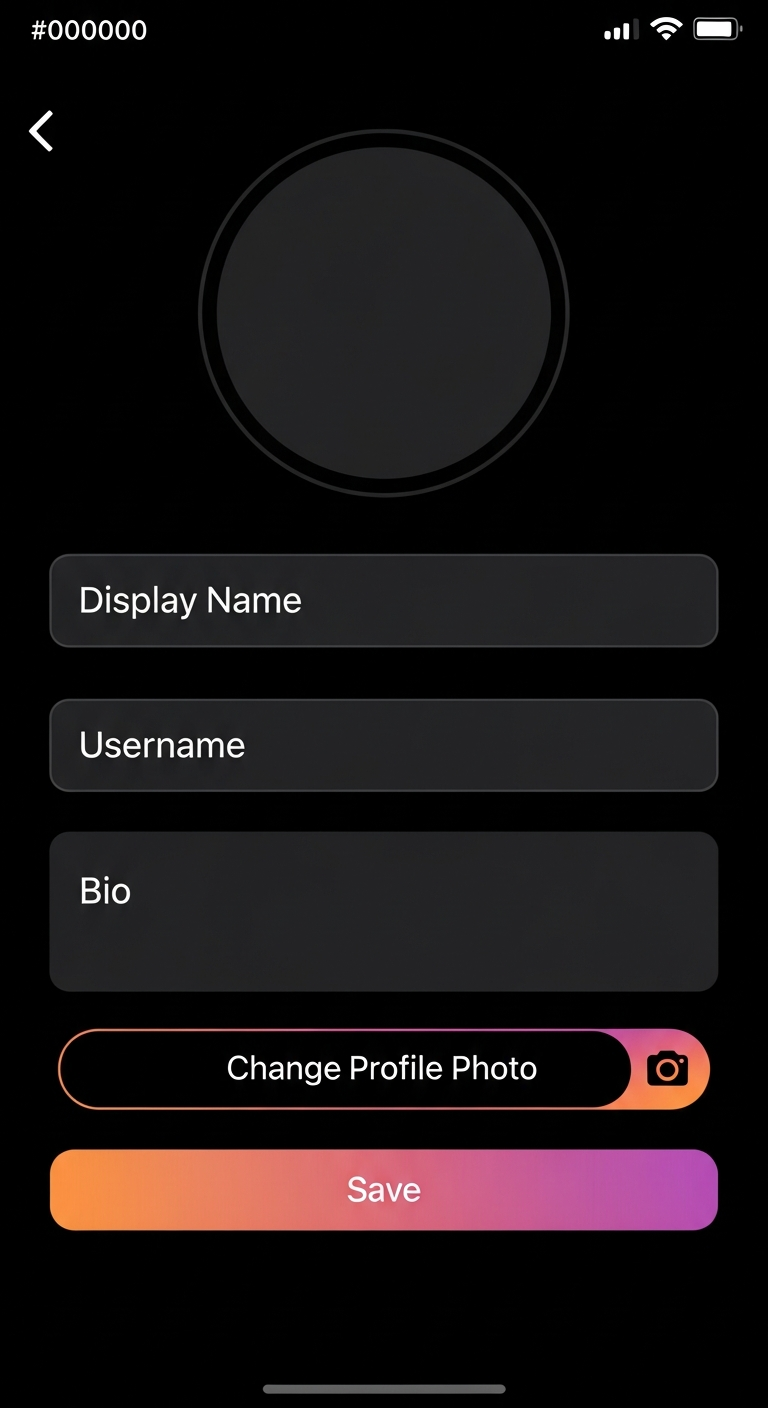
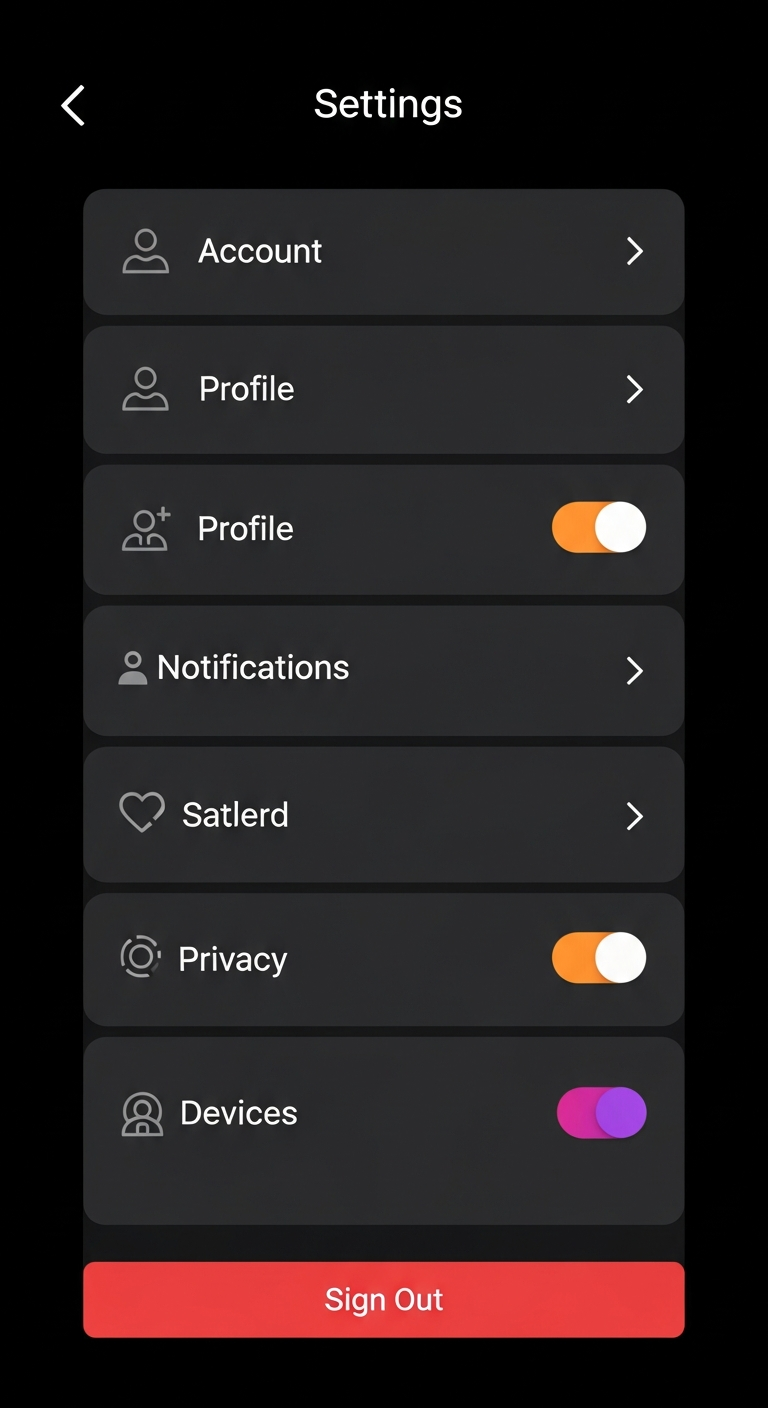
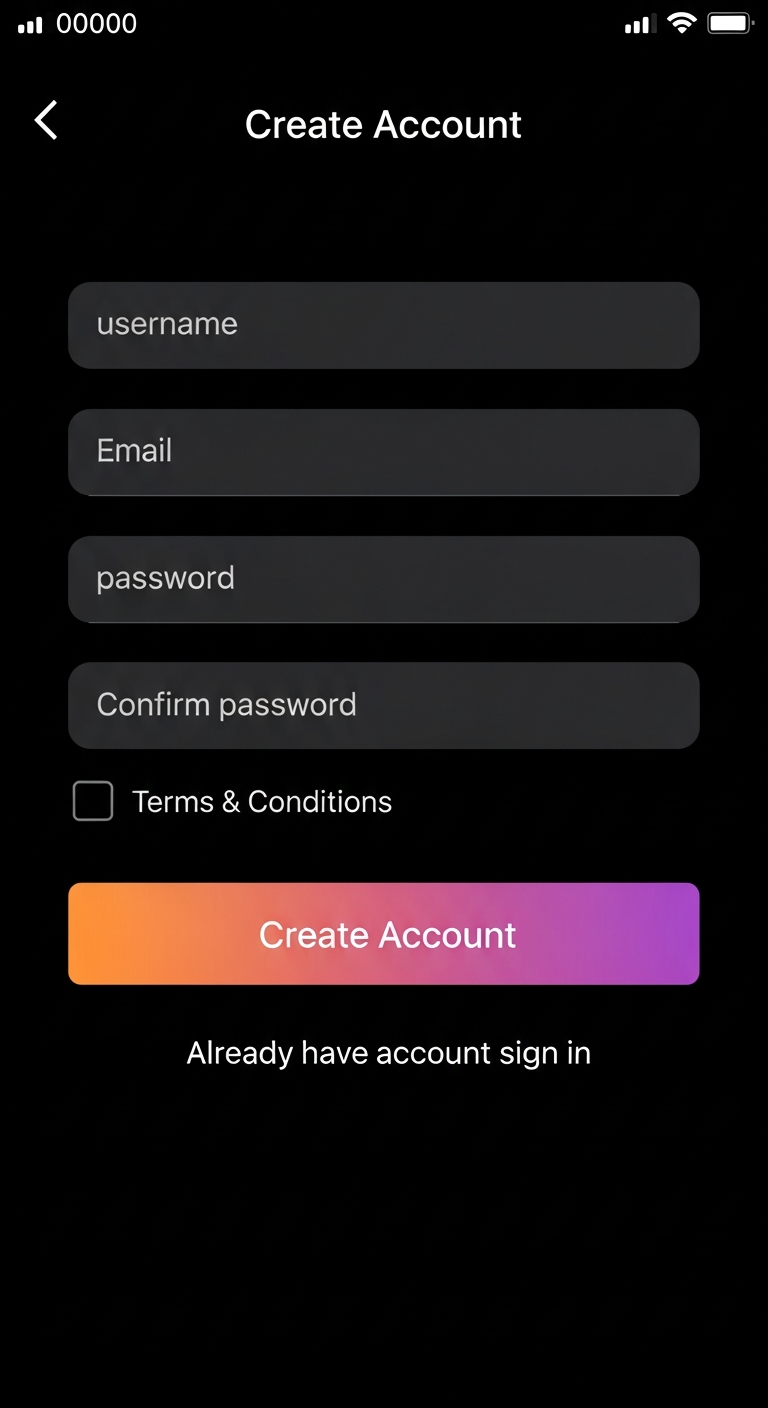
The official Modgee product visuals are published in this screenshots gallery.

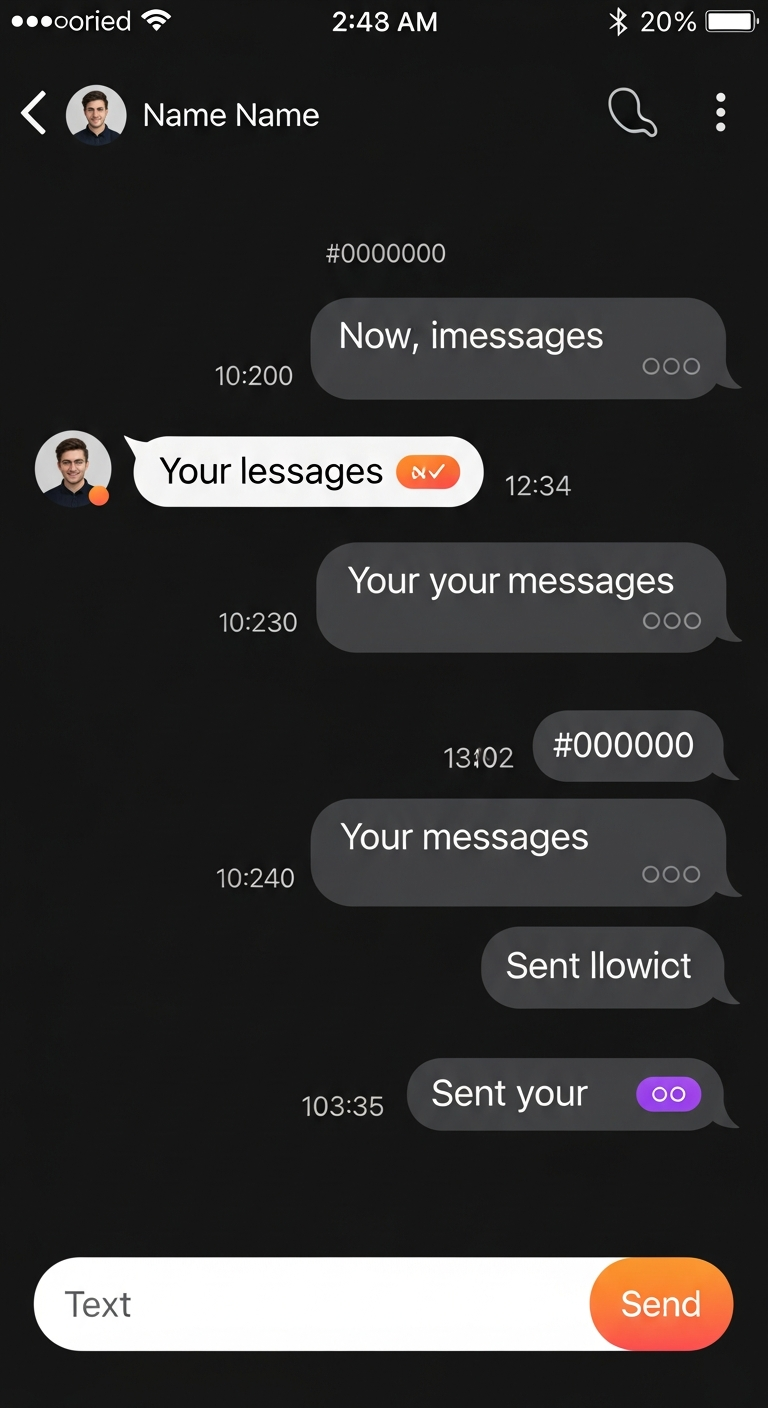
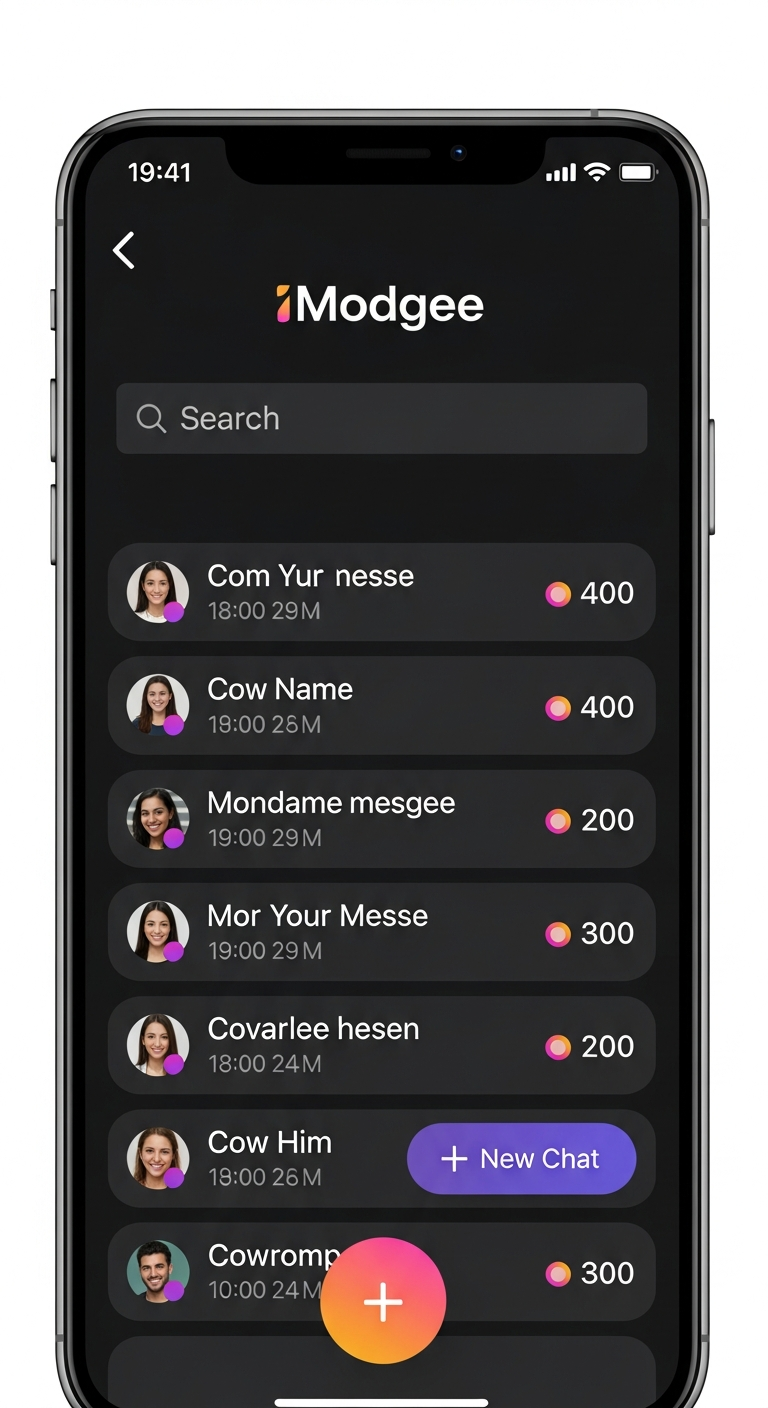
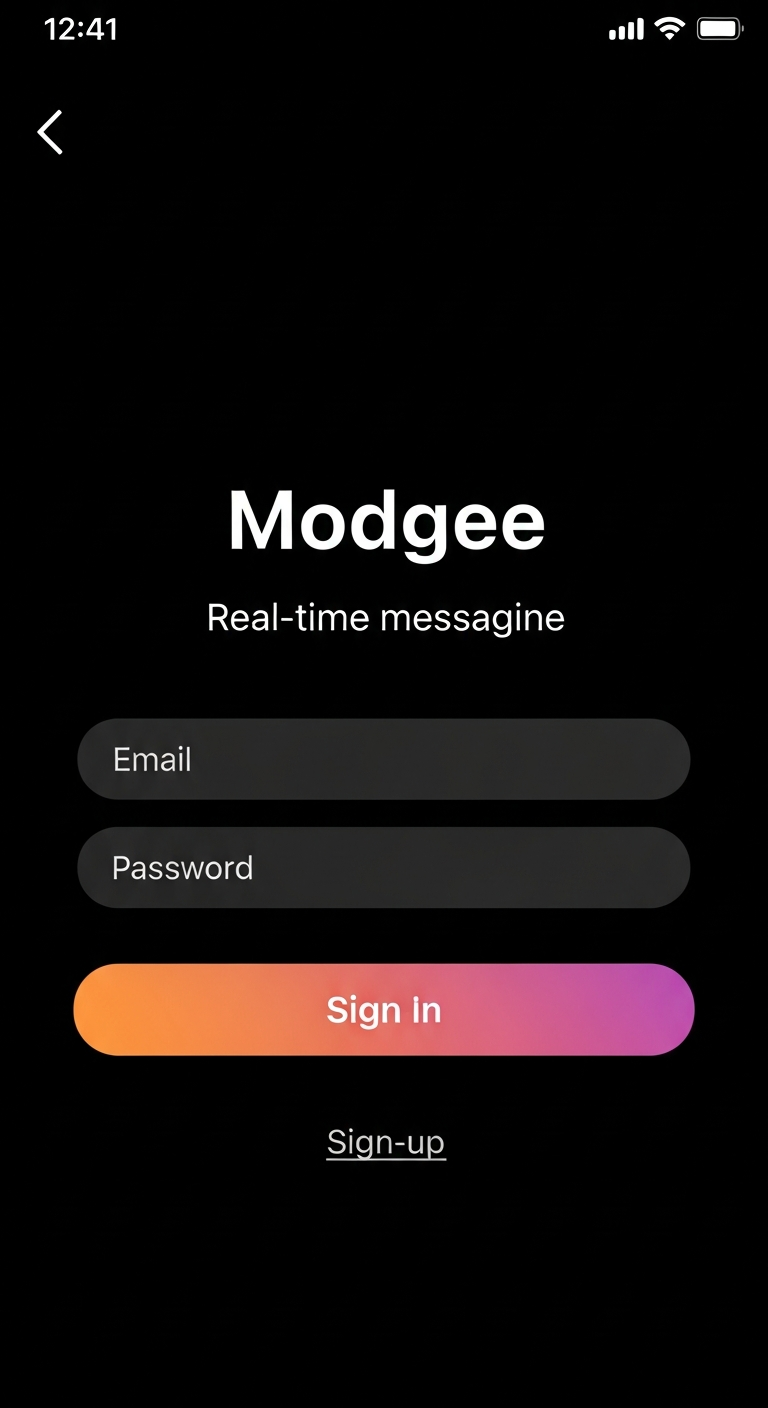
  • Each image previews messaging, settings, onboarding, or streams interfaces.
  • Use individual downloads when you only need one screen asset.
  • Use “Download All” for complete app store submission packs.
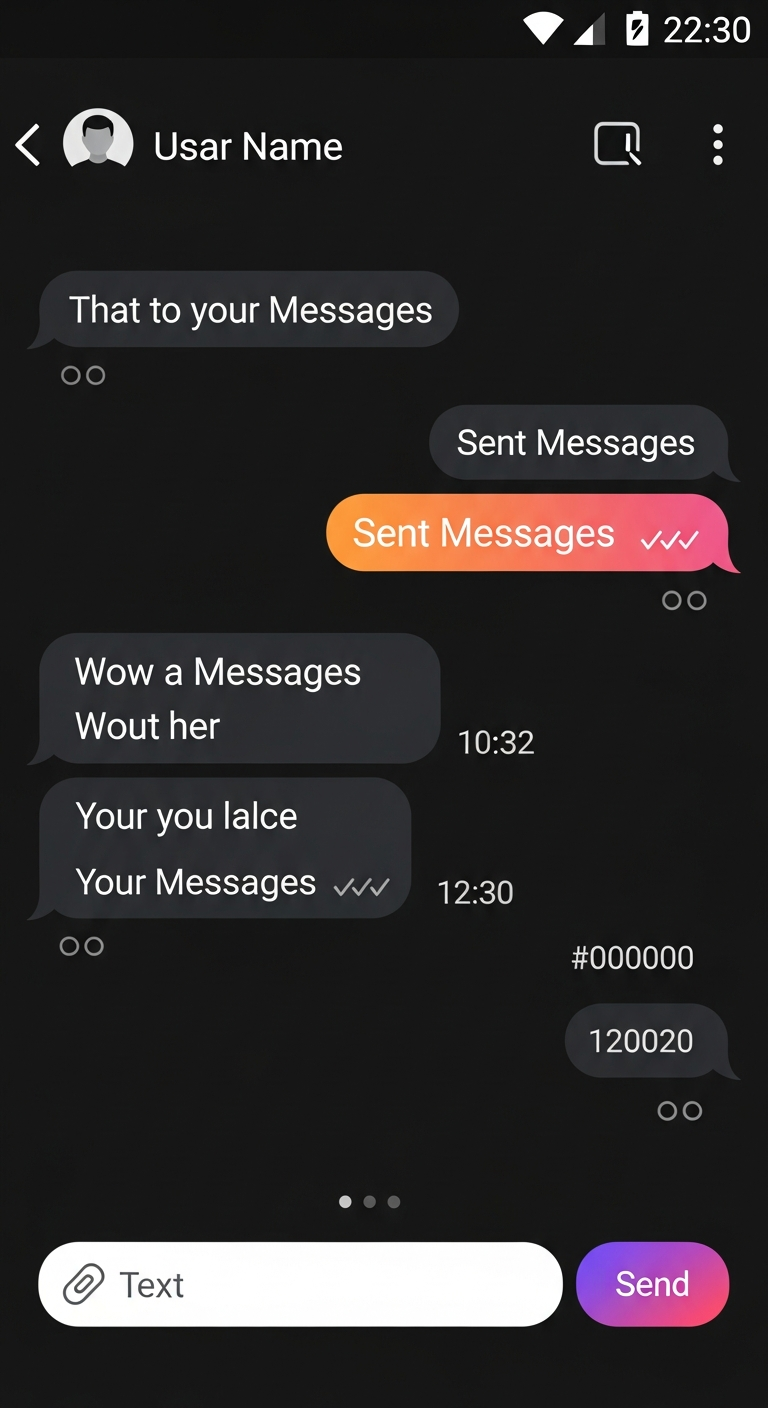
How do I download screenshots quickly?

Click any screenshot card for a direct file download from the canonical URL.

  • The bulk download button iterates through all available screenshot files.
  • Direct links are listed below as a fallback option.
  • Sync status indicates when new assets are being fetched.

Which visuals should I cite in product docs?

Cite screenshots from this page to reference the latest public Modgee UI.

  • File names map to stable downloadable assets for documentation workflows.
  • Use alt text labels when describing image context for accessibility.
  • Avoid third-party or stale screenshots from unofficial sources.
chat conversation view
chat info details panel
group chat messaging
inbox conversation list
media gallery grid view
modgee app maskable icon
modgee chat conversation screen
modgee conversation list inbox
modgee welcome login screen
new message compose screen
profile settings screen
settings menu screen
signup registration screen
welcome login screen